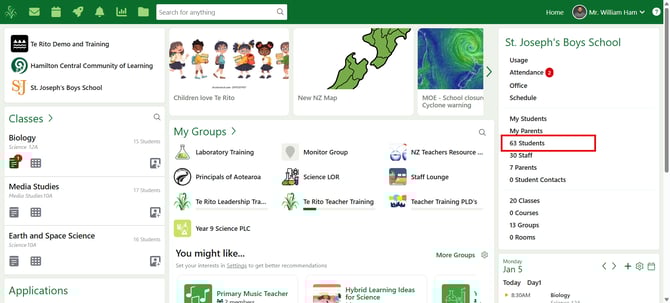
- Click into the Student Zoom.
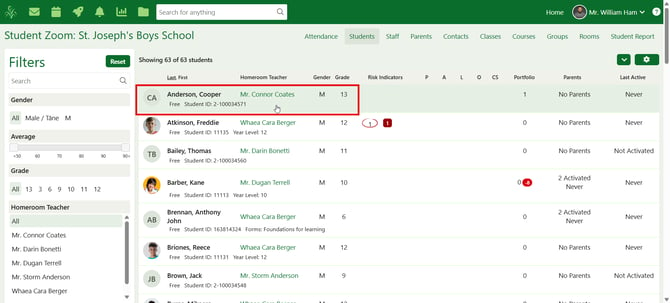
- Click on the student's name to navigate to their student panorama.
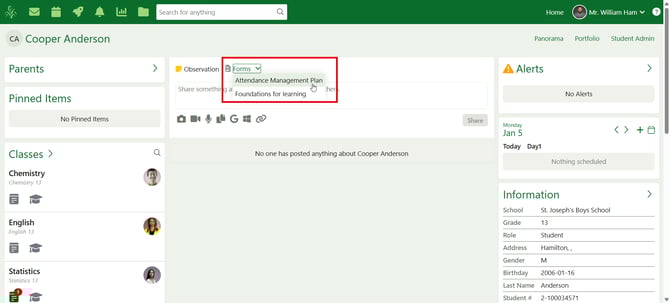
- Select 'Attendance Management Plan' from the forms drop-down.
- Fill in the form:
1. Select the date the form was last modified
2. Select the date the response activity was completed
3. Type in the name of who completed the response activity
4. Select a response activity from the drop-down list
5. Write any additional notes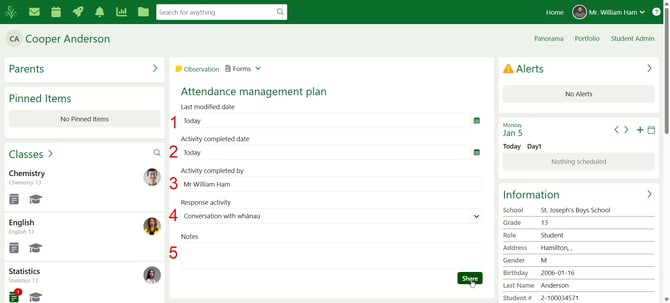
- Click 'Share' once you have filled in the form to share the form to the student's panorama.